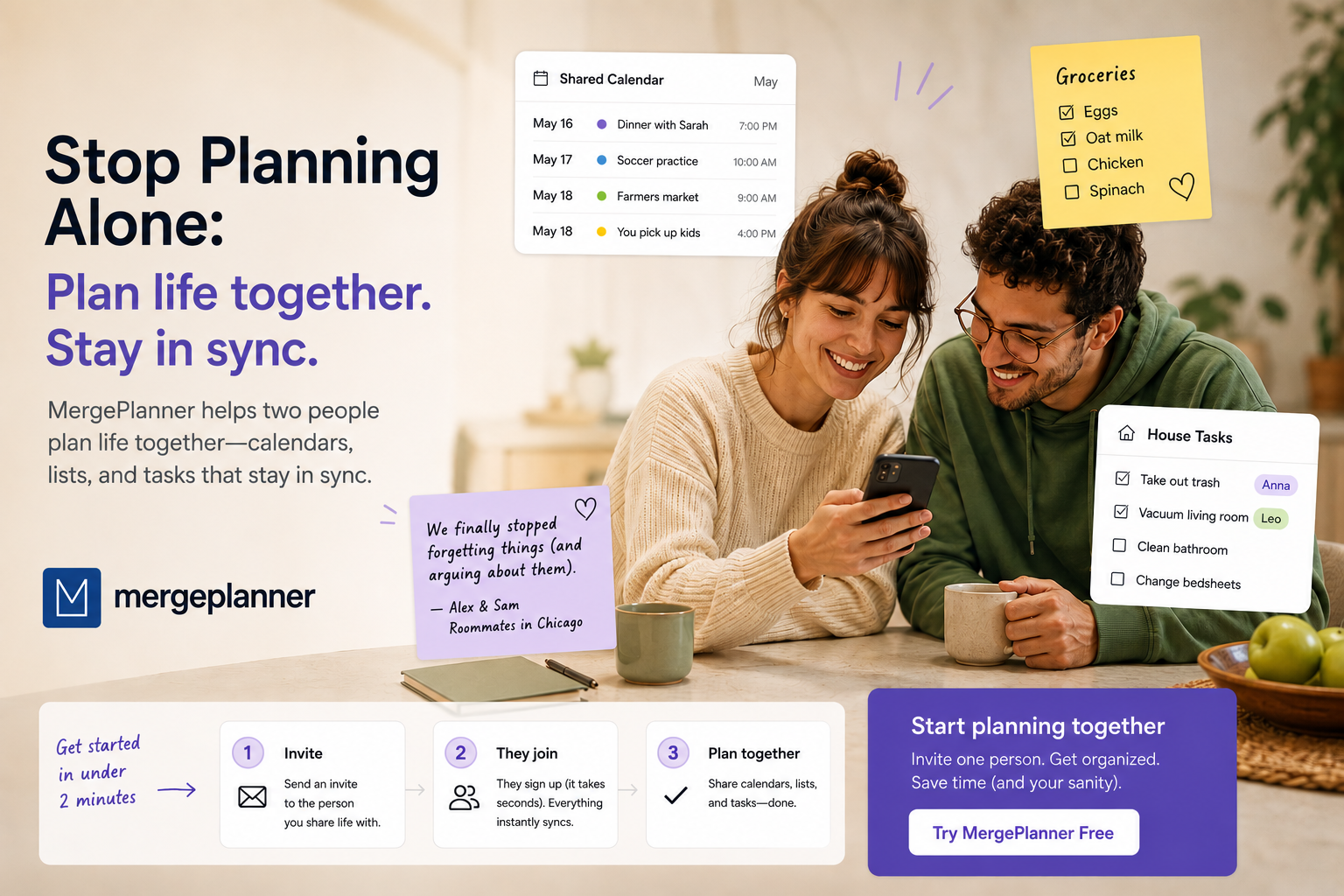
Most productivity apps are built for an audience of one. Your tasks, your calendar, your grocery list — a private world where nobody else exists. But almost nobody actually lives that way. You split rent with a roommate. You plan weekends with a partner. You're the one who remembers your mom's birthday for the whole family. Merge Planner has had a feature built for exactly that overlap for months, called Shared Spaces — and the data tells us almost nobody who isn't running a small team has bothered opening it.
The word "team" is doing the damage
When people see "Shared Spaces" in the onboarding screens, most of them file it under work software and move on. It sounds like something for managers and Slack channels — not for two people who live in the same apartment. That's a naming problem, not a use-case problem.
A Space isn't a project management tool. It doesn't need a team, a manager, or a meeting to set up. It needs exactly one other person — the one you already coordinate life with, informally, over text messages that get lost in the scroll five minutes later.
You already have someone to share it with
Think about who that person already is. If you live with a partner, it's whoever you're negotiating "did you already buy milk?" with. If you have a roommate, it's whoever you're splitting the cleaning schedule with, badly, in a group chat nobody checks. If you have kids, it's the other parent who needs to know about the dentist appointment without you having to say it out loud twice.
None of these are team problems. They're two-person problems. And two-person problems are exactly what a shared to-do list, a shared grocery list, and a shared calendar are for — not because you're managing a project, but because you're sharing a life.
What actually happens inside a Space
A Space in Merge Planner covers three things: a shared shopping list, shared tasks, and a shared calendar. Add someone to a Space, and whichever of those you turn on becomes visible to both of you — the same list, the same calendar, updated in real time on both phones.
To be upfront about what this is and isn't: it's not a project-management tool with assignees and per-person deadlines. There's no "assigned to me" versus "assigned to you." It's simpler than that — one shared list you both check off, one shared calendar you both see. For two people coordinating a household, that's usually exactly the right amount of structure. Less admin, more just doing it.
"Last spring we both assumed the other one had cancelled the internet installation appointment. Neither of us had. Two technicians showed up to an empty apartment while we were at brunch, completely confused. Now the second something needs to happen, it goes in the Space — we've stopped assuming the other person 'probably has it.'"
Getting started in under 2 minutes
There's no invite code to remember and no separate account to create for the other person. Here's the actual flow:
- Add them as a friend first. If you're not already connected in Merge Planner, send a friend invite from your side.
- Create a Space. Give it a name that means something to you both — "Home," "Us," "The Apartment," whatever fits.
- Add your friend as a member. They'll get a notification asking them to accept.
- Turn on the parts you want shared — shopping, tasks, calendar, or all three. You don't have to use everything on day one.
That's it. No paperwork, no premium tier gating this — it works the same as everything else in the app, and it's ready the moment your friend taps accept.
You don't need the whole household on board
This is the part that gets missed the most: you don't need buy-in from an entire family or friend group for this to be worth trying. Start with one person. One shared grocery list with your partner. One shared calendar with your co-parent. One shared chores list with your roommate. If it's useful, it grows on its own — someone else in the house asks to be added, and now it's a habit instead of an experiment.
Planning your own day is useful. Planning the parts of your day that overlap with someone else's — without three group chats and a forgotten sticky note — is a different kind of useful. You already have the person. The Space takes two minutes.
Start your first Space
Add a partner, roommate, or family member and share a to-do list, calendar, or grocery list in under 2 minutes. Available on iOS and Android.